
Why Calm, Ad-Free Digital Education Gives Developing Children a Better Starting Point With Screens
For young children who use screens, the quality of the experience matters more than whether every minute is digital or non-digital. Calm, ad-free educational apps give families a safer starting point: children can explore age-appropriate activities without being pulled toward purchases, autoplay videos, external links, or attention-grabbing promotions. A well-designed offline learning app can keep the screen focused on a clear purpose-practising a skill, solving a problem, hearing a story, or discovering a new idea-while leaving plenty of room for sleep, movement, conversation, and hands-on play.
Young children need digital spaces built for learning, not persuasion
Many online services are designed to hold attention and encourage the next tap, view, or purchase. That design goal does not match the needs of a developing child. Preschoolers and early primary-aged children are still learning to pause, make choices, manage disappointment, and tell the difference between content and advertising. A flashing offer or a familiar character promoting another video can feel like part of the activity rather than a commercial message.
An ad-free app removes that conflict. There is no banner competing with a phonics game, no countdown interrupting a puzzle, and no invitation to leave the activity for unrelated content. The child’s attention can stay with the task: matching a sound to a letter, counting objects, noticing a pattern, or listening to Eddie The Educated Emu explain an idea.
The American Academy of Pediatrics recommends that families choose high-quality media and use it intentionally, rather than treating all screen experiences as equal. Its guidance also highlights the value of adults knowing what children are using and talking about it together. HealthyChildren.org: Media and Young Minds offers practical, family-focused guidance on making those choices.
Predictability helps children use an app with confidence
A calm educational experience has a simple, reliable rhythm. A child opens the app, chooses an activity, receives understandable feedback, and can finish without being redirected somewhere unexpected. That predictability is especially valuable for children who are new to technology or who become unsettled when a favourite activity suddenly changes.
Offline apps strengthen this sense of reliability. Activities are available during a flight, in a waiting room, at a grandparent’s house, or when home internet is down. Parents do not need to hand over a device connected to an open web simply to offer a short learning activity. They can prepare a small set of suitable games, stories, or practice sessions in advance.
- Clear beginnings and endings: children know when an activity starts and when it is complete.
- Fewer accidental detours: no links, pop-ups, or video recommendations lead away from the intended task.
- Consistent access: learning content works without relying on Wi-Fi or mobile data.
- Less pressure on adults: a caregiver can offer a purposeful activity without constantly managing online prompts.
Good educational design turns taps into active thinking
An app is educational because of what a child is asked to do, not because it uses bright colours or labels itself “learning.” Passive viewing asks little of the child beyond watching. Strong early-learning activities invite participation: choosing an answer, hearing a sound and repeating it, sorting items into groups, remembering a sequence, trying a solution, and trying again.
Look for interactions that connect directly to a learning goal. For example, a number activity might ask a child to count five shells one at a time before choosing the numeral 5. A language activity might let the child hear the beginning sound in “emu,” then find another object with the same sound. Feedback should be immediate and kind, helping children notice what happened rather than making them rush for points or rewards.
The Joan Ganz Cooney Center’s research on children’s learning with digital media emphasizes that learning benefits are stronger when experiences are active, engaging, meaningful, and socially interactive. Those principles provide a useful test for any children’s app: does it give a child something meaningful to think about and something they can discuss afterward? See the Joan Ganz Cooney Center’s learning resources for research-informed perspectives on children and digital media.
Ad-free apps make it easier for adults to stay involved
Independent use can be useful in small doses, but young children learn even more when digital activities connect to real conversation and play. An ad-free app makes that connection easier because the adult can focus on the child’s ideas instead of supervising commercial content or unexpected recommendations.
Try using a short activity as a prompt rather than an endpoint. After a shape-matching game, ask the child to find circles, rectangles, and triangles around the room. After a story, invite them to retell the beginning, middle, and end using toys. After a counting activity, count snacks, socks, or steps together. These small extensions help children carry an idea from the screen into everyday life.
- Choose one activity with a specific purpose, such as letter sounds or early counting.
- Set a natural stopping point, such as completing two puzzles or one story.
- Ask one open question: “Which part was tricky?” or “How did you know?”
- Offer an off-screen follow-up that uses the same skill.
A better screen choice still belongs in a balanced childhood
Calm, ad-free digital education is not a replacement for building blocks, outdoor exploration, books, imaginative play, family meals, or sleep. It is a more considered option for the moments when a child does use a device. By removing commercial interruptions and keeping activities purposeful, it supports a healthier relationship with technology from the beginning.
Choose one offline, ad-free activity your child can explore this week, then extend its idea away from the device with a question, a game, or a real-world challenge. Small, intentional choices help screens serve learning instead of competing with childhood.



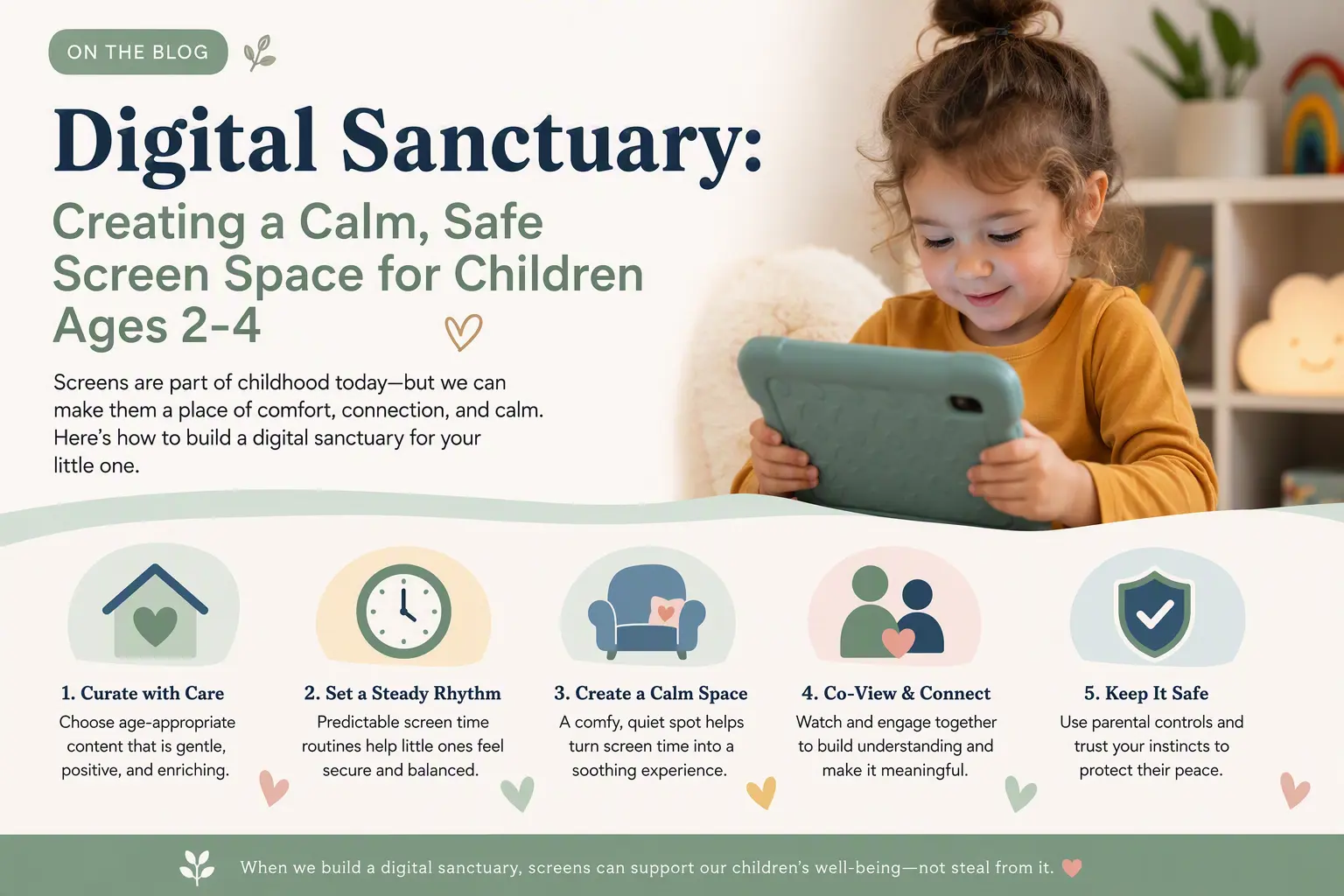 Young children do not need a noisy stream of choices to learn well. They need a calm, predictable place where they can explore at their own pace, repeat what interests them, and return to a trusted grown-up when they are ready. A digital sanctuary is not about making screens the centre of the day; it is about making the moments when a child uses a device feel simple, safe, and purposeful.
 Children learn best when their attention is protected. An ad-free learning experience removes flashing banners, surprise videos, pop-ups, and persuasive messages so children can stay with the activity in front of them. At BrightSHAPES, Eddie the Educated Emu keeps the focus where it belongs: on calm, playful, offline learning.